Skip to main content

FAQ: How to Send a Text Invite in the HighMatch App
By Will on July 7, 2022
- Login to your account
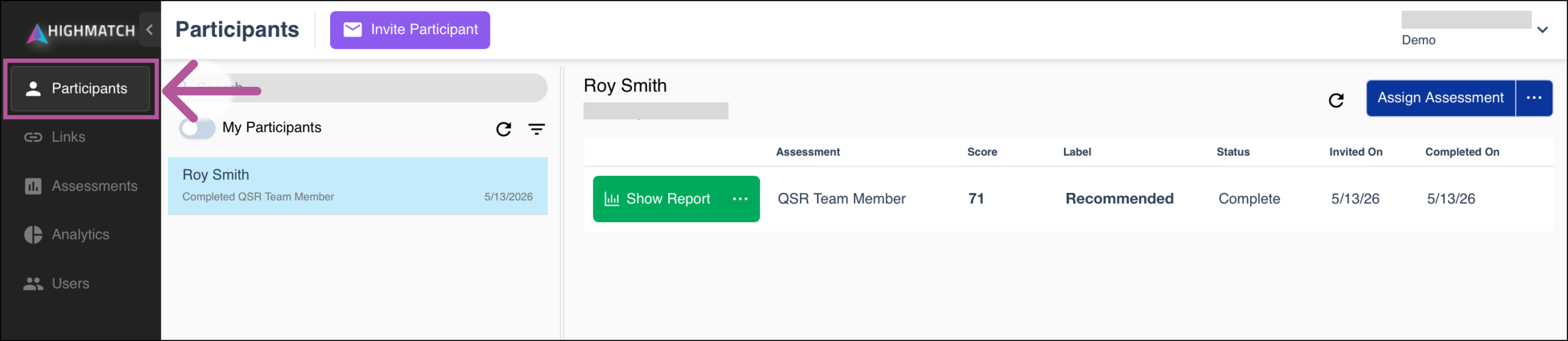
- Navigate to the Participants tab
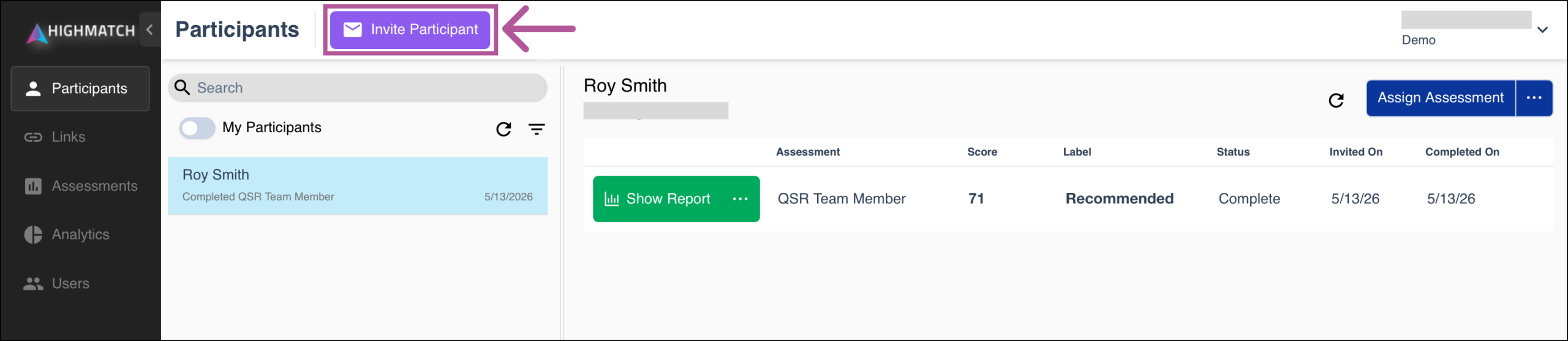
- Select the purple Invite Participant button.
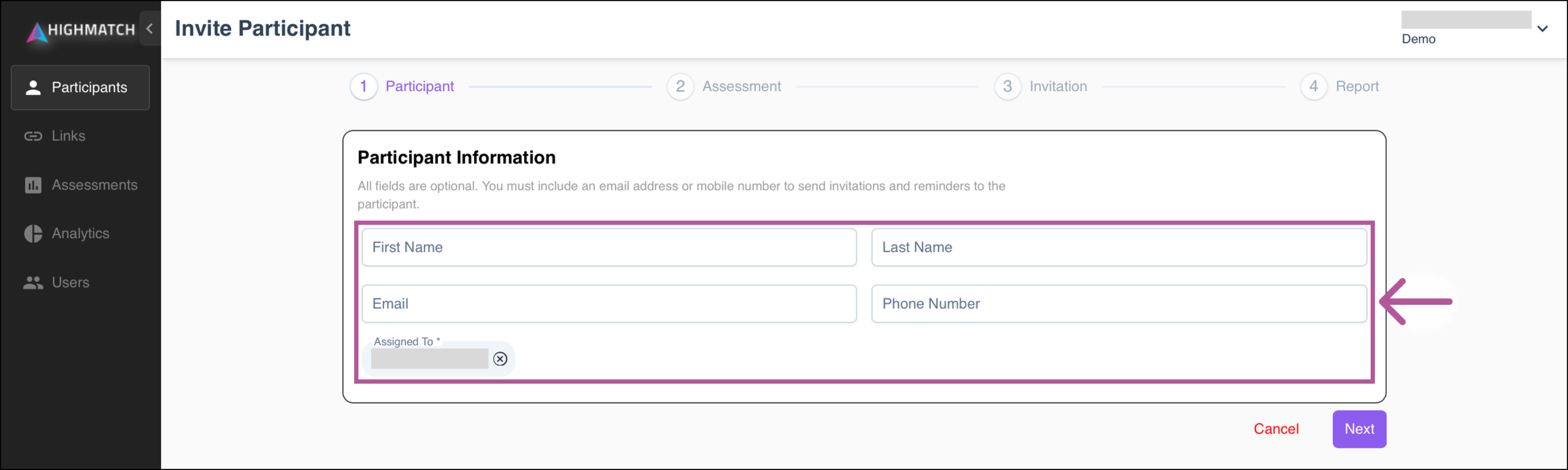
- Add the candidate’s information and select Next.
- Note: You must enter the candidate’s phone number in order to select and send a text invite.
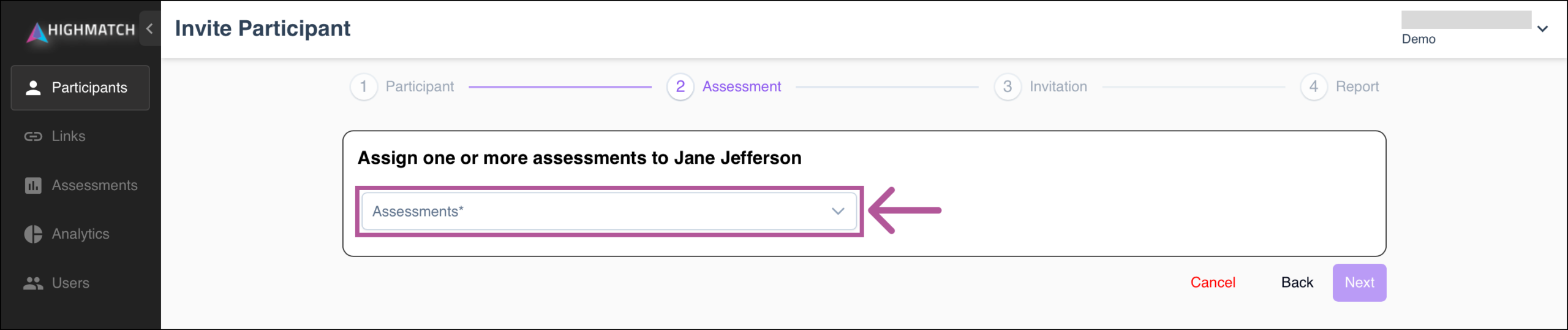
- From the dropdown, select the assessment you would like to send and select Next.
- On the Invitation page, select the Text invite to [number] option, then click Next.

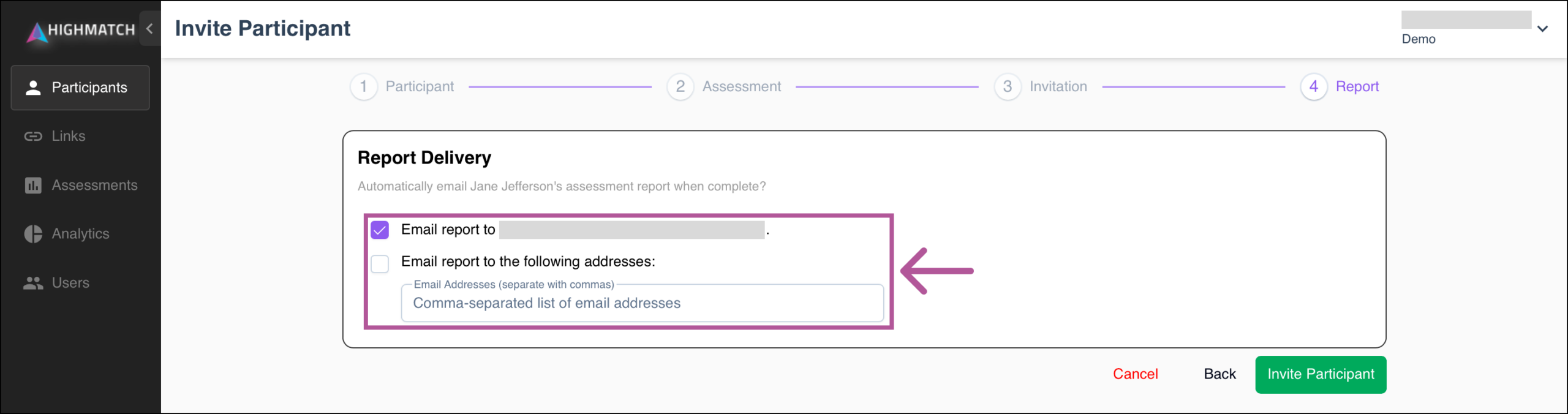
- Select report delivery options, then click Invite Participant.
Can't Find What You're Looking For?



