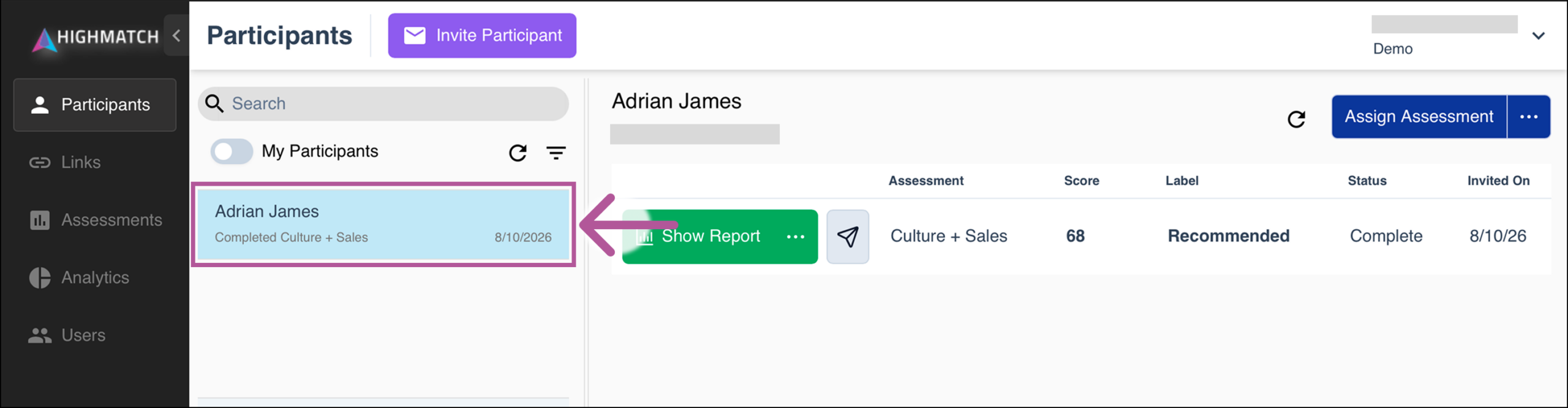
Select the Participants tab on the left-hand side of the screen.
Select the name of the participant whose report you would like to share.
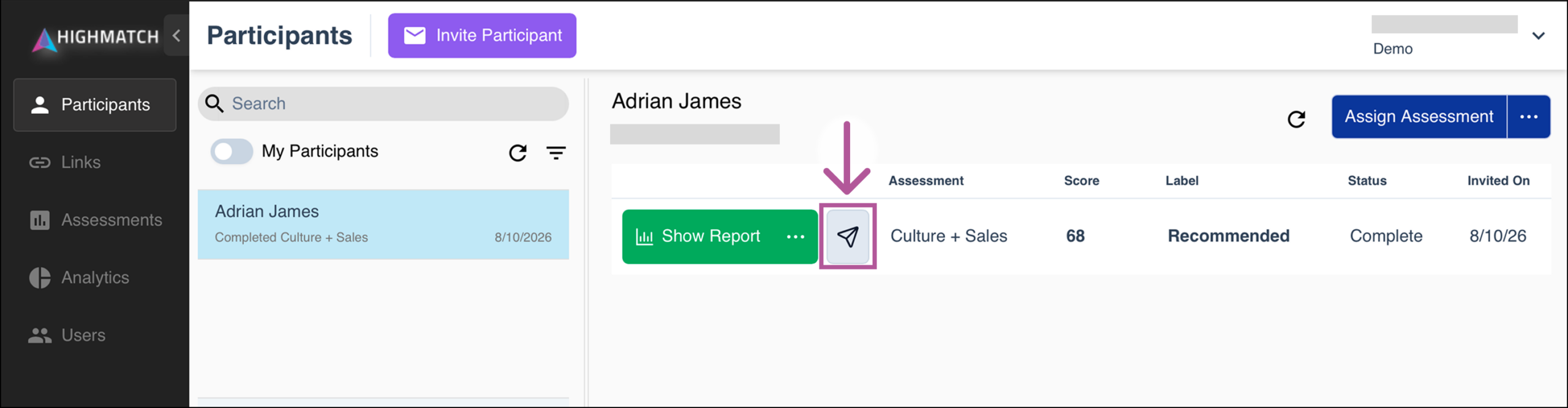
Click Share Report.
In the Share Report menu, start by:
Selecting the share method: email or text message.
Select who you would like to share the assessment report with. You can:
Select yourself using the email address and/or phone number used in your HighMatch account.
Enter a email address/phone number.
Select the participant using the email address and/or phone number used in their profile.
Note: Use caution when sending reports to participants unless the report content is tailored for participants, as reports typically aren’t meant to be viewed by participants. This should only be done after discussing it with your Client Success Manager.
A URL link to the report will also be available for you to copy and paste, and send via any method you prefer.
Click the share button once you are ready to share the report.